 v1.1.0
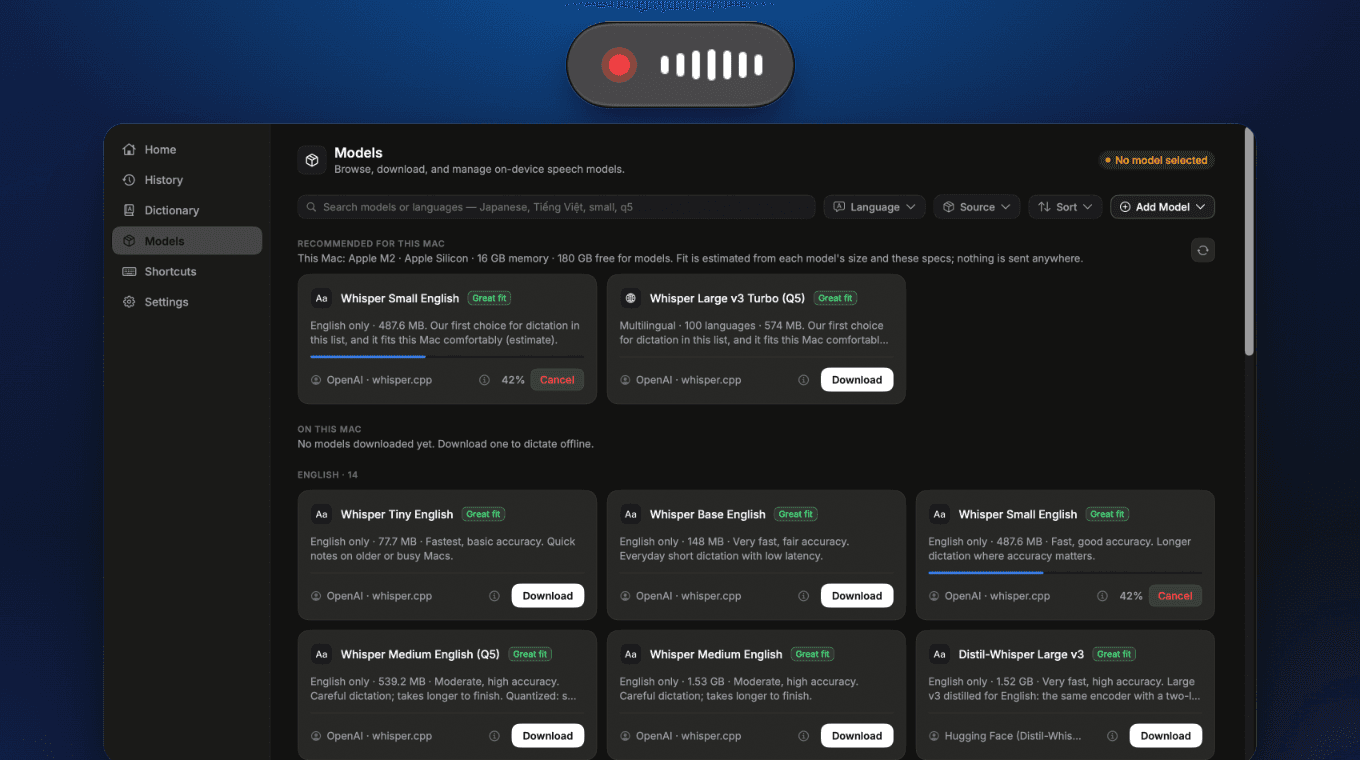
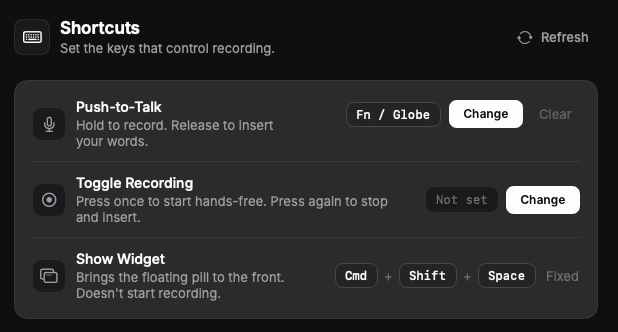
Voice dictation for macOS, powered by Whisper running entirely on your Mac. Hold your push-to-talk key in Slack, Notes, a terminal or your IDE, say what you want to write, and the text lands at your cursor — it shines when you dictate prompts into Claude Code, Cursor or ChatGPT instead of typing them. A built-in Models page lists 49 Whisper models, shows which ones fit your Mac, and downloads the one you pick.
Previously called WinterVoice. Same app, same data — updating keeps your settings.

- Platform
- macOS 14+ · Apple Silicon
- Built with
- Swift 6 · SwiftUI · whisper.cpp · Accessibility API
- Highlights
- 100% offline · 49-model library · No account
Features
What’s inside MacVoice
Voice-prompt your AI agents
Hold the key in Claude Code, Cursor, Windsurf or ChatGPT and just say the prompt — speaking beats typing for long, context-rich instructions, and the dictionary fixes misheard jargon once.
Floating widget with live waveform
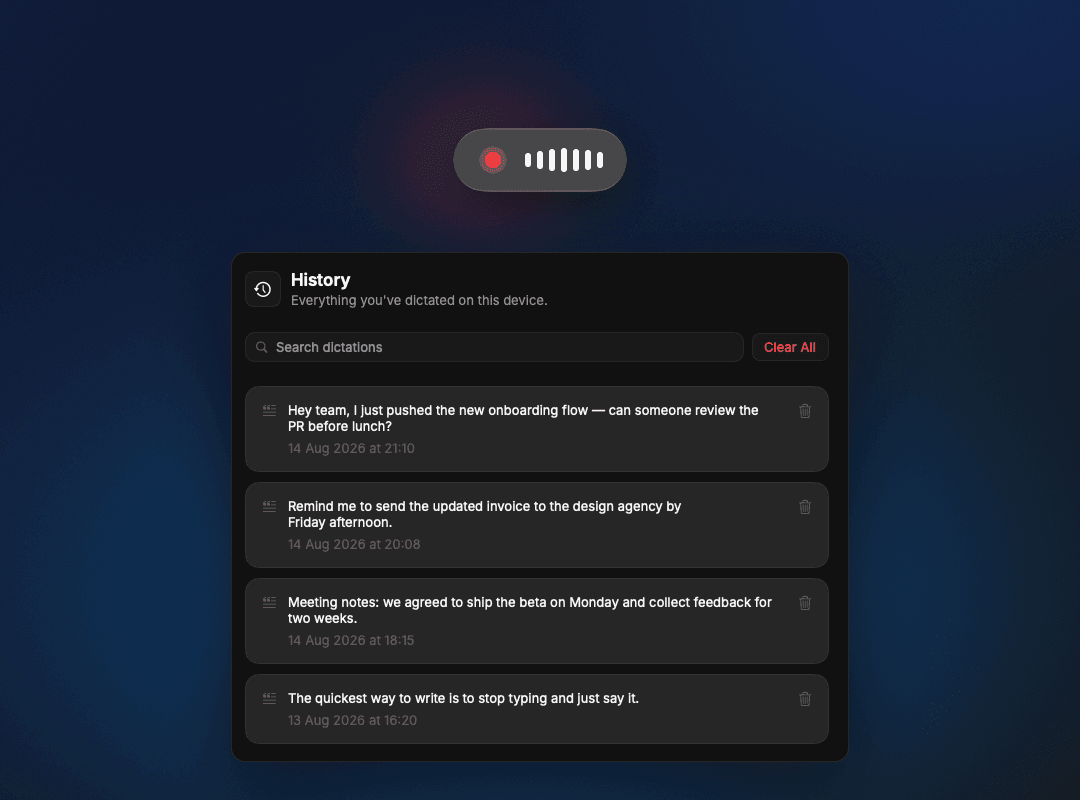
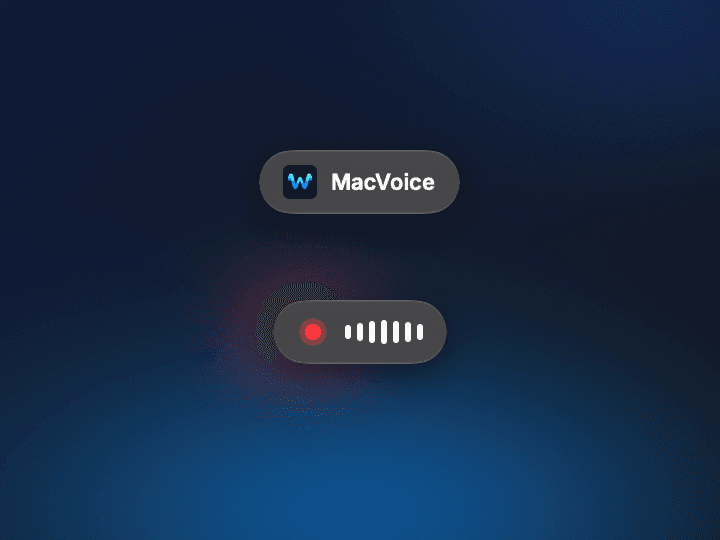
A draggable, always-on-top pill: the brand mark at rest, a voice-reactive waveform while you speak. Three styles, lockable above the Dock.
Private by default
On-device Whisper. Audio lives in memory only — never written to disk, uploaded or logged — and text dictated into secure fields is never recorded.
Types into any app
Inserts text at your cursor via Accessibility, with a clipboard fallback that restores your clipboard afterwards.
A Whisper model library that knows your Mac
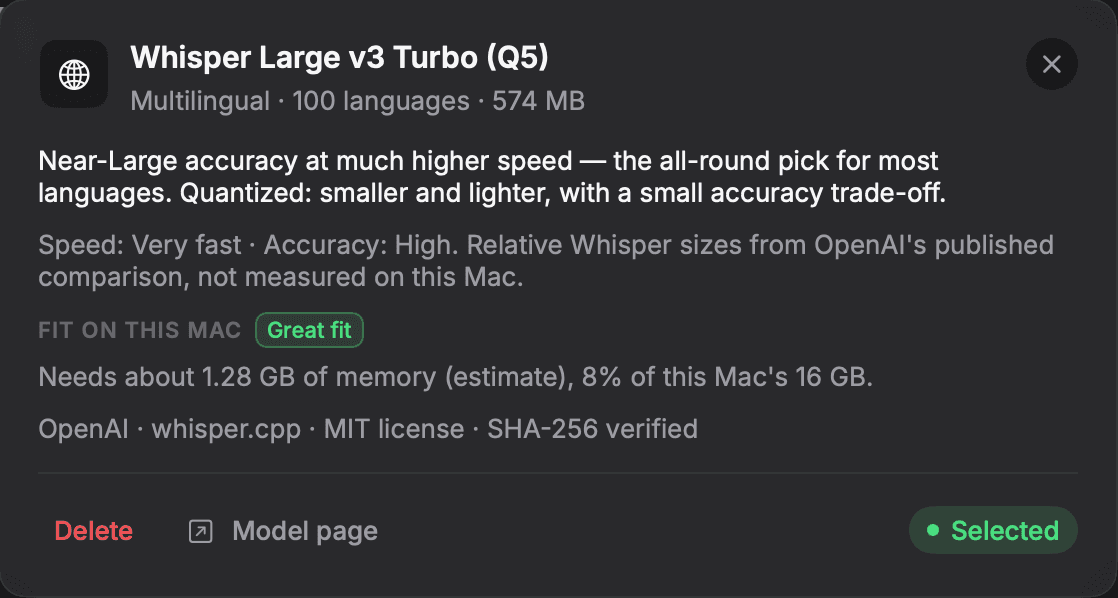
The Models page is a grid of 49 on-device models: every official whisper.cpp build, from Tiny to Large v3 Turbo, plus language-tuned models for Japanese, Chinese, French, Finnish, Hebrew, Norwegian and Swedish. It reads your Mac's memory, chip and free space and marks each model a great, good or tight fit, with a pick for English and one for other languages.
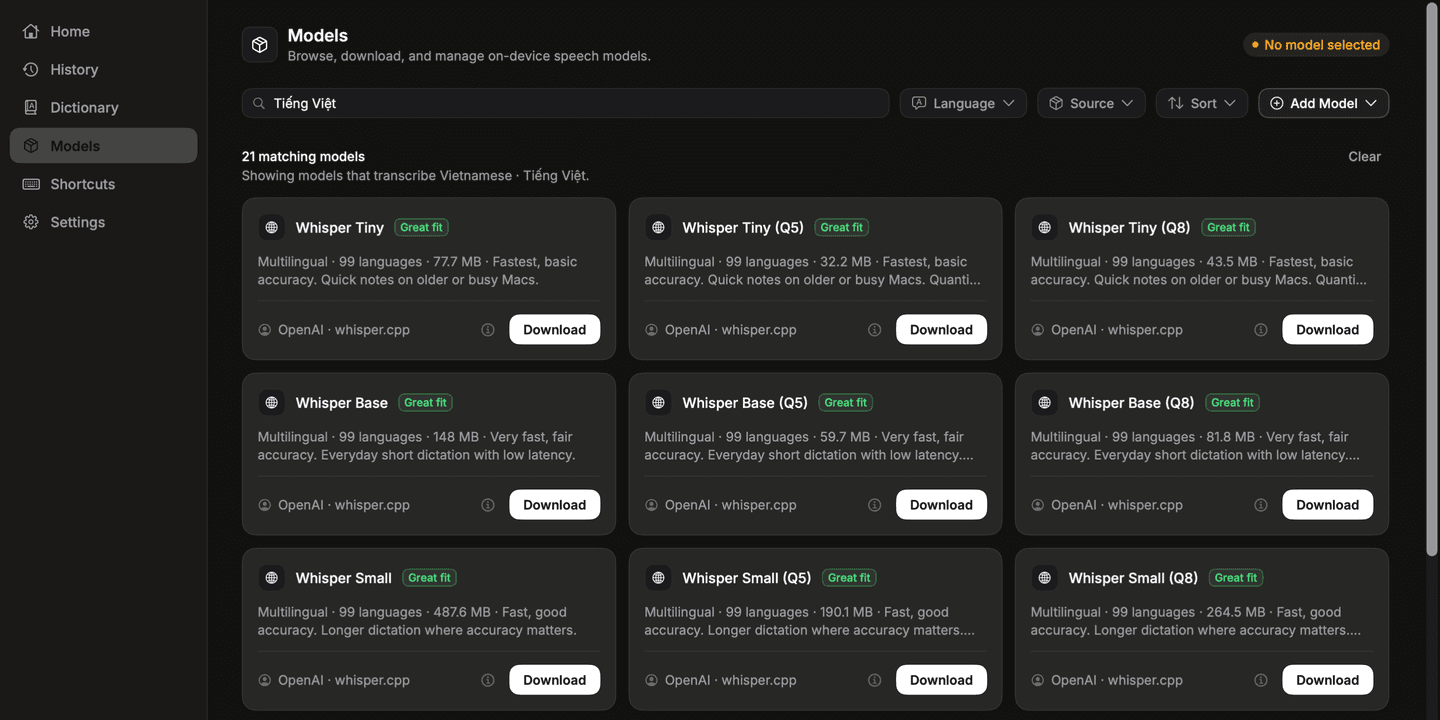
99+ languages, Vietnamese included
Search the library by model or by language, in English or in its own name (日本語, Tiếng Việt), then download with one click; every download is checked against its published SHA-256. Any other ggml Whisper file can still be imported.
Personal dictionary and local history
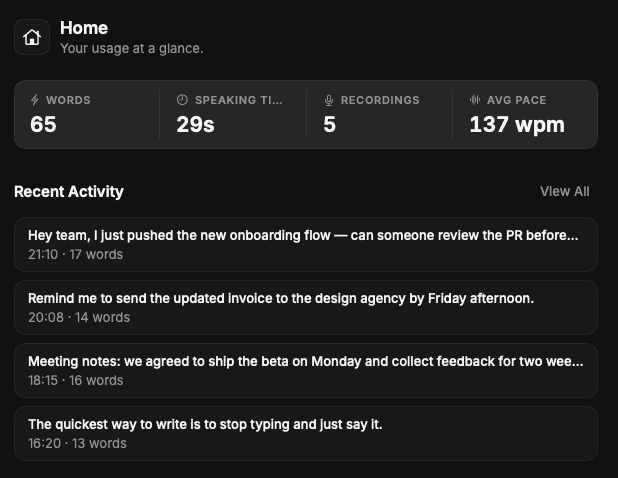
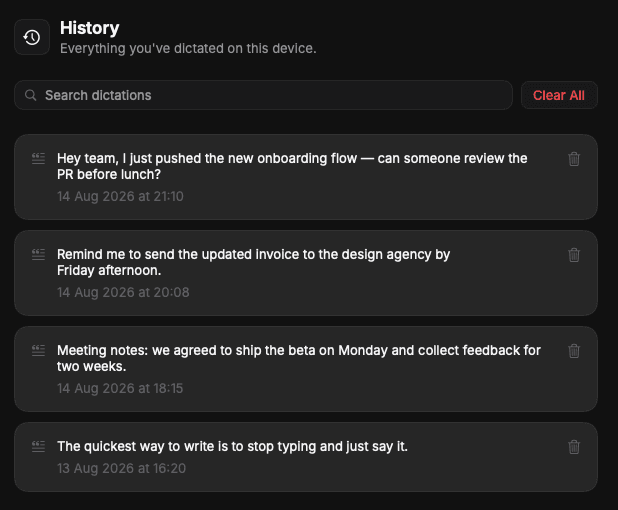
Auto-replace phrases before insertion to fix names and jargon, and search everything you dictated in a history stored only on your Mac.
Bring your own API
Prefer a server? Point it at any OpenAI-compatible /audio/transcriptions endpoint; your key stays on your Mac in an owner-only file.
One-click updates
New releases are found and installed from inside the app — no browser download, no Gatekeeper detour.
Watch
MacVoice in 56 seconds
Gallery

MacVoice
$5.99 $2.99 one-time · macOS 14+ · Apple Silicon
 Voice dictation
How to Dictate an Email on Mac: A Step-by-Step Workflow
Learn how to dictate an email on Mac using built-in Dictation, then see when a push-to-talk app like MacVoice fits the job better.
7 min read- Voice dictation
quantized vs full whisper mac: Which Dictation Model Should You Import?
Learn how quantized vs full whisper mac choices affect memory, speed, accuracy and languages, and how to pick a model for everyday dictation.
7 min read - Voice dictation
best dictation app for apple silicon mac: what to look for
Learn what macOS can do on its own, then compare push-to-talk, privacy, models and permissions to find the best dictation app for apple silicon mac.
7 min read - Voice dictation
Best Dictation App for Programmers Mac: An Honest Guide
Looking for the best dictation app for programmers mac? Compare built-in macOS Dictation with offline Whisper apps, plus setup and privacy tips.
6 min read - Voice dictation
Dictation vs Transcription Mac — Which One Do You Need?
Dictation vs transcription Mac — learn what macOS does alone, when live typing beats a written record, and how to choose the right workflow.
6 min read - Voice dictation
How to Fix Input Monitoring Permission Not Working Mac Dictation
If input monitoring permission not working mac dictation blocks your hotkey, learn the common causes and the fixes to try, from quickest to most involved.
6 min read