 v1.0.0
The native screenshot app and screen recorder for Mac. Press ⌘⇧4, click a window or drag an area, annotate it, drop it on a gradient, paste it anywhere. Recordings open in a Screen Studio-style editor with a camera that zooms wherever you click. 100% on-device.
Previously called WinterShot. Same app, same data — updating keeps your settings.
- Platform
- macOS 14+ · Apple Silicon
- Built with
- SwiftUI · ScreenCaptureKit · Apple Vision · AVFoundation
- Highlights
- Pay once · Zero dependencies · One permission
Features
What’s inside MacScreenShot
Frozen-screen selector
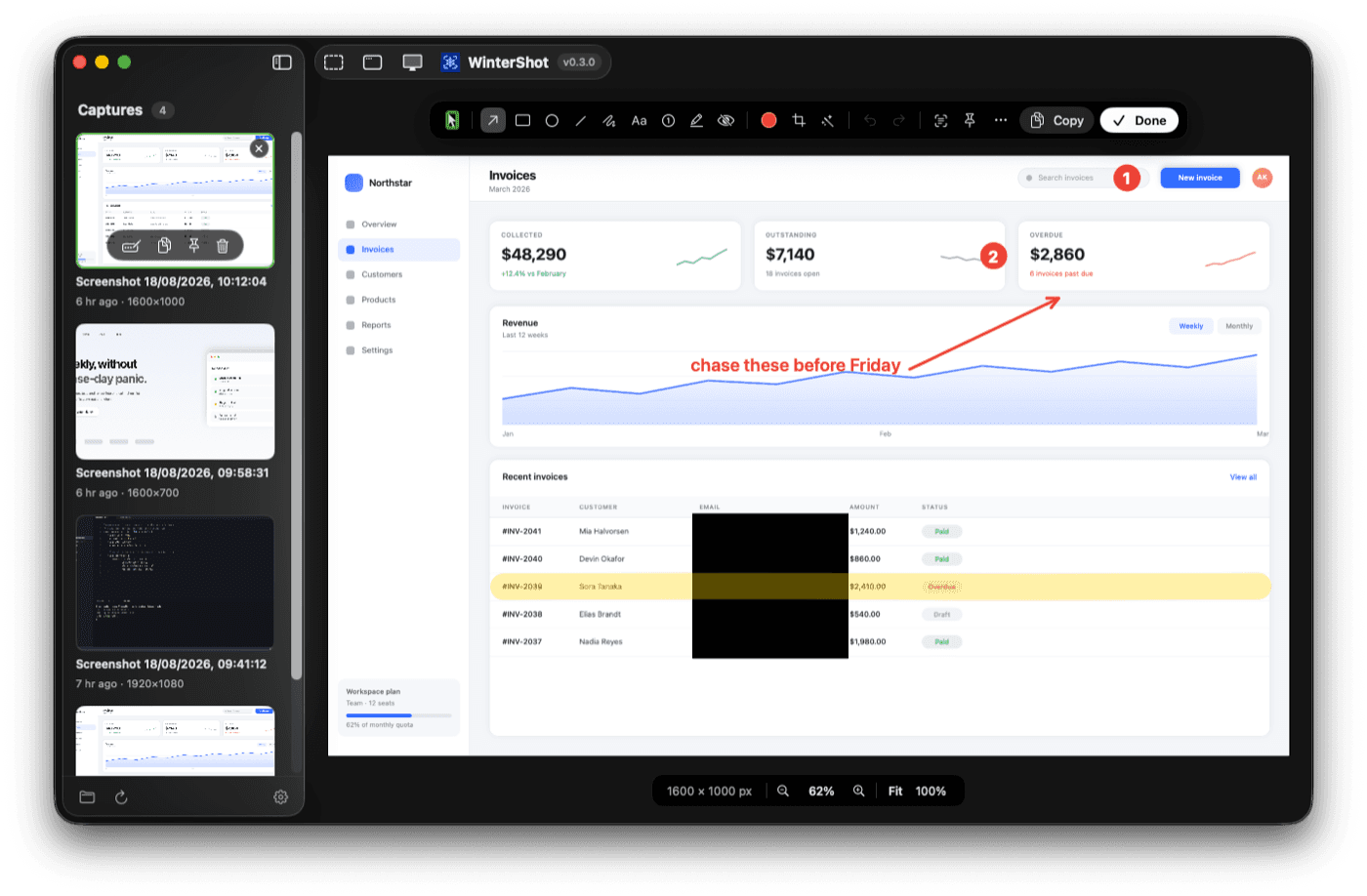
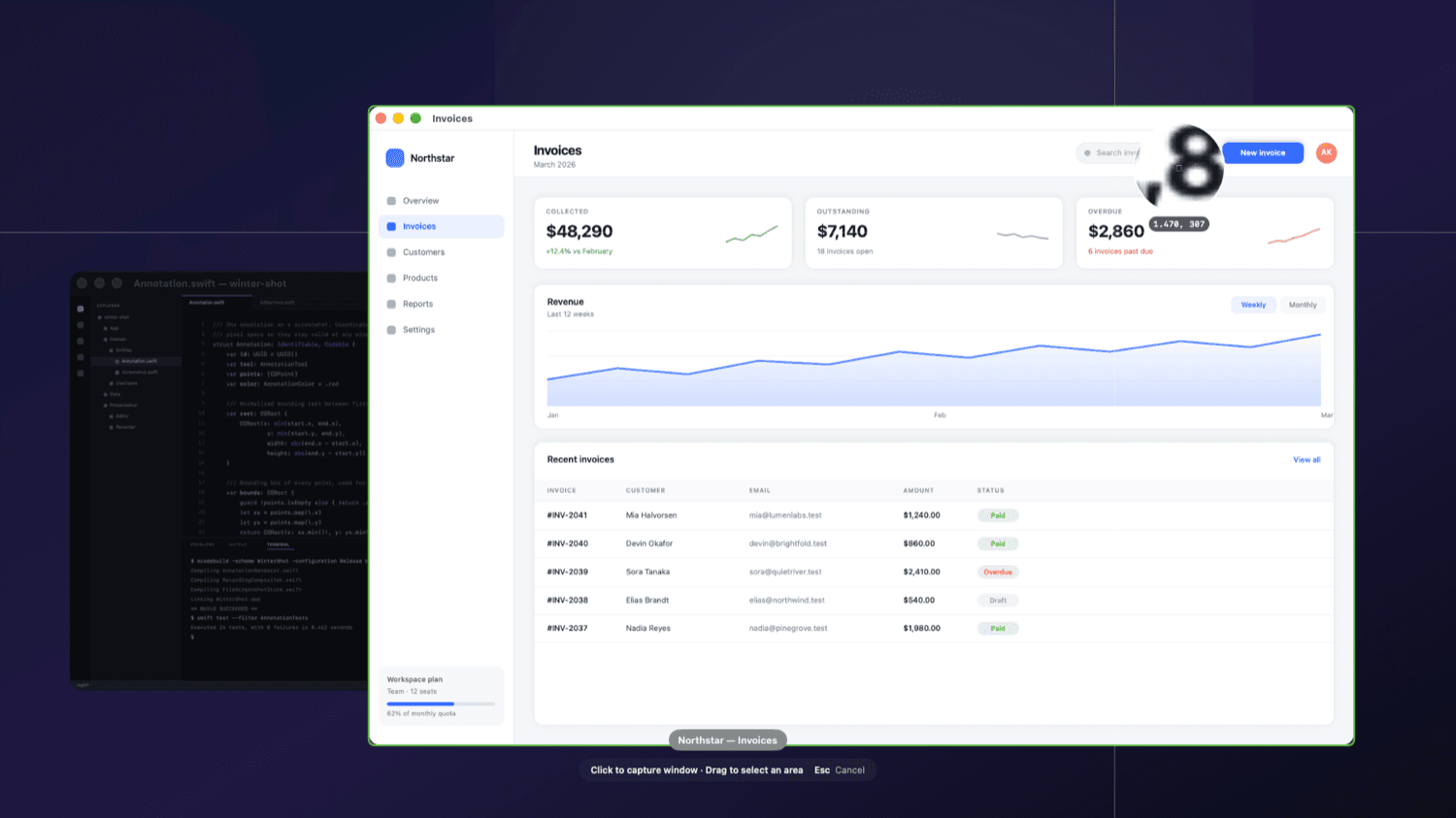
Press ⌘⇧4 and the screen freezes. Windows lift out of a dimmed backdrop as you hover — one click captures a window cleanly, even when it's half-covered. Drag anywhere for an area, with a live size readout.
Nine annotation tools
Arrow, rectangle, ellipse, line, freehand, text, numbered counters, highlighter and redaction — with a colour row, adjustable stroke, undo/redo and drag-to-move.
Non-destructive by design
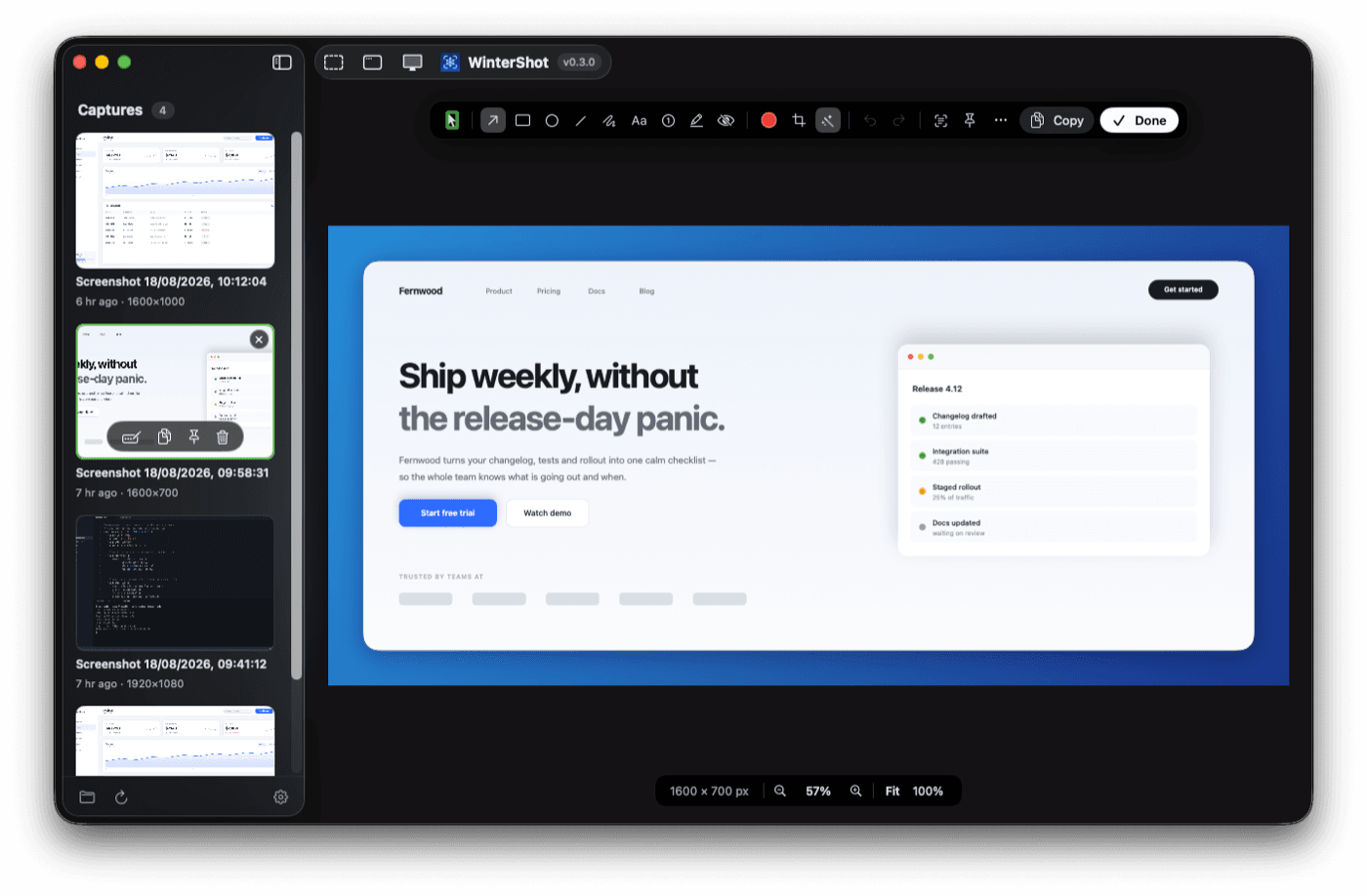
Annotations, crop, rotation and backdrop live in a .wshot.json sidecar next to the PNG. Reopen a capture months later and every arrow is still editable, every crop and quarter turn reversible. Pixels are flattened only on export.
Studio editor for recordings
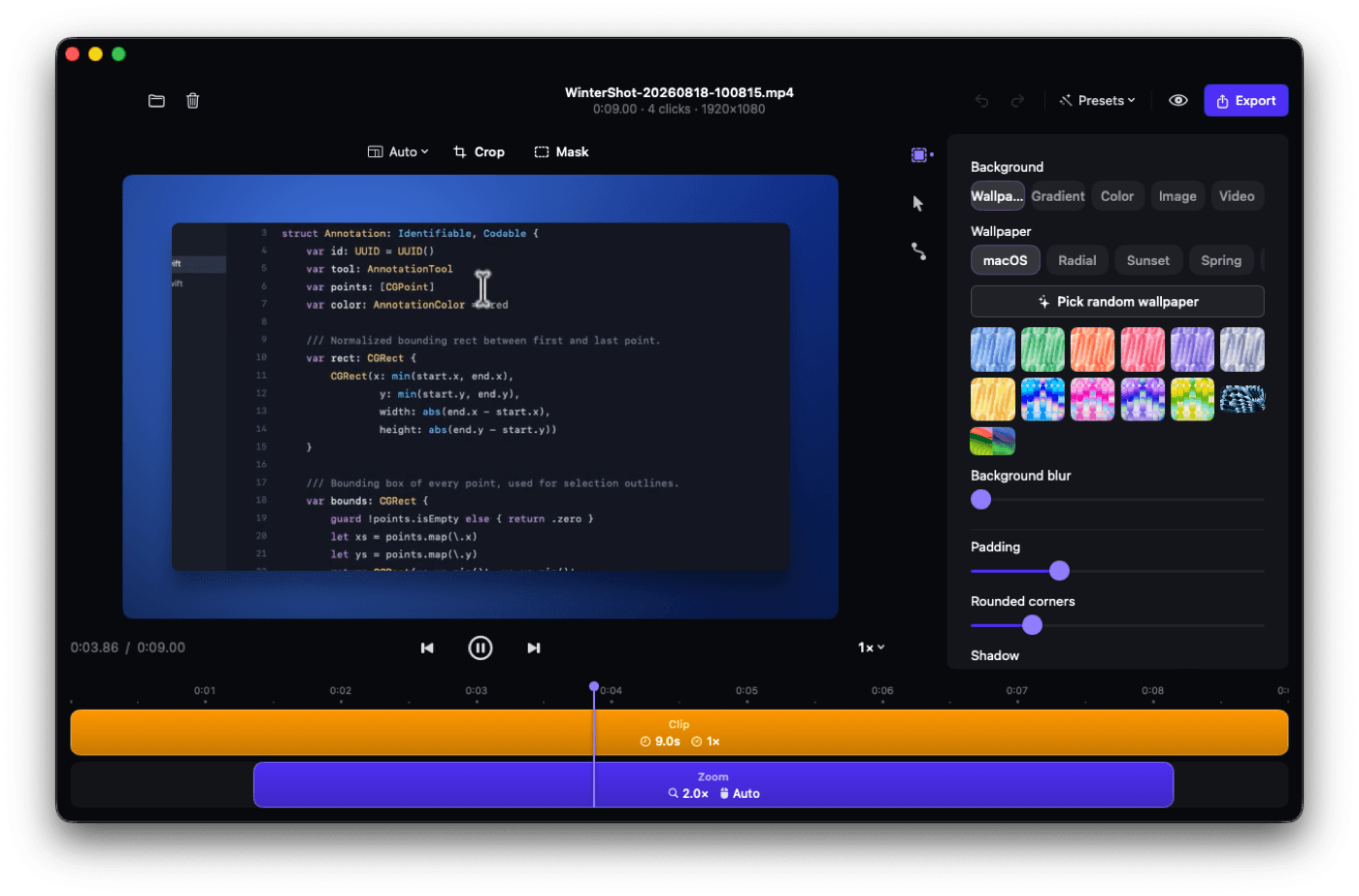
Pointer and clicks are logged next to the video, not burned in. The editor adds click-to-zoom, a smooth synthetic cursor, backdrops, crop and timed masks, output shapes for YouTube, Reels or TikTok, motion blur and background music — then exports 60 fps MP4 at native resolution up to 4K, or 1440p / 1080p, as many times as you like. Any single auto-zoom can be removed from the timeline and restored later.
Background beautify
Drop a shot onto a gradient with padding, rounded corners and a soft shadow. Seven presets, live in the editor, ready for posts and docs.
Capture library and notch history
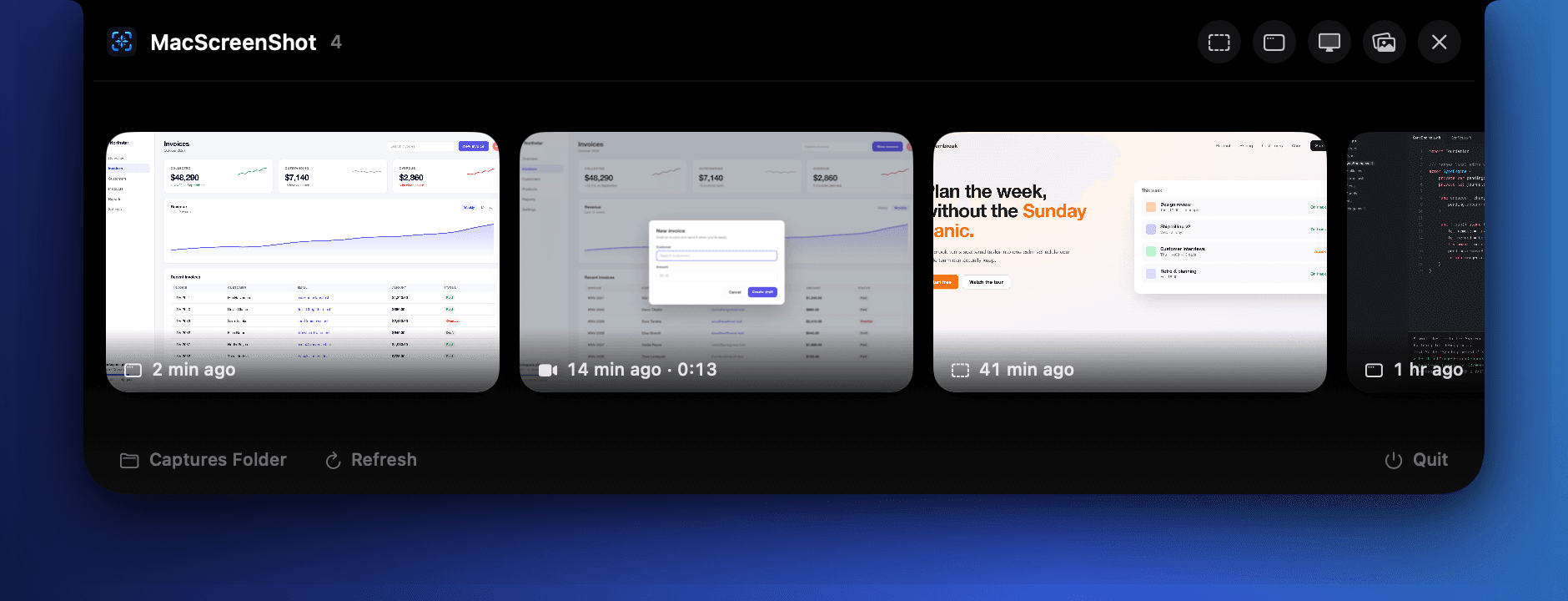
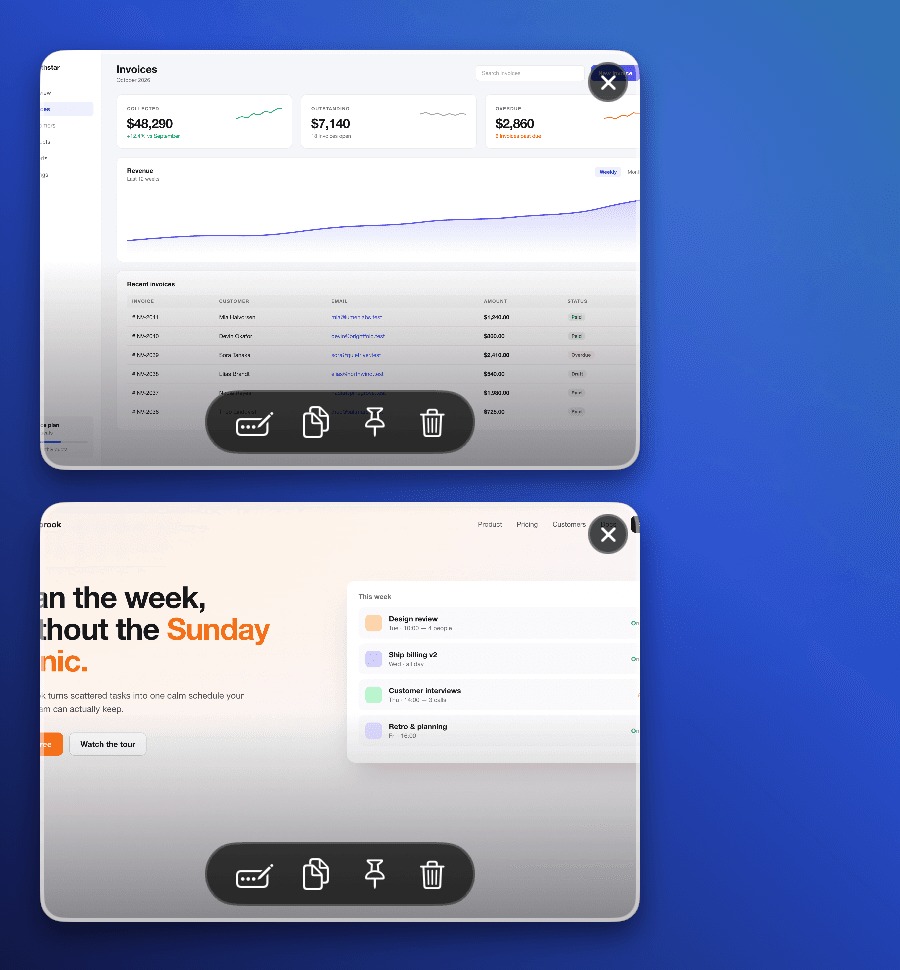
Screenshots and recordings sit side by side in the main window's library, and a notch panel drops from the top of the screen with your latest captures — reopen, copy, pin or delete from either. The library follows its folder, so files added or removed in Finder show up on their own, and Delete All clears it in one go after a confirmation.
OCR and pin to screen
Pull the text out of any capture with Apple Vision — nothing is uploaded. Float a capture above every window while you work; drag to move, double-click to dismiss.
Out of the way
Lives in the menu bar with one re-recordable global hotkey. Turn on Open at login so it's ready after every restart, and have each new capture copied to the clipboard automatically.
Watch
MacScreenShot in 62 seconds
Gallery
Compare
How MacScreenShot compares
| MacScreenShot | CleanShot X | Shottr | Screen Studio | macOS ⌘⇧4 | |
|---|---|---|---|---|---|
| Price | One-time | $35 once or $10/user/mo | Free, paid license for work | $9/mo+ | Included |
| Freeze-frame selector | ✓ | ✓ | — | — | ✕ |
| Re-editable annotations | ✓ | ✓ | — | — | ✕ |
| Background beautify | ✓ | ✓ | ✓ | ✓ | ✕ |
| On-device OCR | ✓ | ✓ | ✓ | — | ✕ |
| Screen recording | ✓ | ✓ | — | ✓ | ✓ |
| Click-to-zoom studio editor | ✓ | ✓ | — | ✓ | ✕ |
| Re-export a take with a new look | ✓ | — | — | ✓ | ✕ |
| Works without an account | ✓ | ✓ | ✓ | — | ✓ |
| System permissions required | 1 | — | — | — | 0 |
Based on each vendor’s public website as of October 2026; “—” means not documented there. Prices change — check the vendor’s site. Competitor names are trademarks of their owners.

MacScreenShot
$5.99 $2.99 one-time · macOS 14+ · Apple Silicon
 Screenshots & screen recording
how to redact text in a screenshot on mac without ruining the image
Learn how to redact text in a screenshot on mac with Preview and Markup, then see when a native Mac app helps you keep edits flexible and exports clean.
7 min read- Screenshots & screen recording
Best Screen Recording Editor for Mac: Click Zoom and 4K MP4
Find the best screen recording editor for mac: compare built-in macOS tools with a native option for click zoom, smooth cursor, timed masks, and 4K MP4.
8 min read - Screenshots & screen recording
Best Screen Recorder With Automatic Zoom Mac, an Honest Guide
Looking for the best screen recorder with automatic zoom mac? Compare native macOS recording, what to check, and where MacScreenShot fits.
6 min read - Screenshots & screen recording
full screen vs window screenshot mac — which should you use?
full screen vs window screenshot mac — learn what each captures, when to use it, and how MacScreenShot makes both cleaner and easier.
6 min read - Screenshots & screen recording
Why screenshot annotations disappear after saving mac (and how to fix it)
Find why screenshot annotations disappear after saving mac, what macOS keeps in a PNG, and the quick checks and tools that make your marks stay editable.
7 min read - Screenshots & screen recording
Screenshot Shortcut Not Working on Mac? Fix It and Set a Reliable Hotkey
Screenshot shortcut not working mac? Find the likely cause, fix it step by step, and set a hotkey that works every time on your Mac.
7 min read