 v1.1.0
The notch stops being dead space. MacNotch turns it into a living island: Now Playing, notifications, a volume and brightness HUD, meeting alerts and mic and camera indicators, then a panel of pages — Dashboard, Quick Toggles, timers, Pomodoro and a stopwatch, System stats, Notes, To-do, Clipboard history and a file shelf with AirDrop. Click the notch to open it, without stealing focus from the app you're using. External displays copy the MacBook notch, and a Mac without one gets a Dynamic Island at the top of the screen.
Previously called WinterX Notch. Same app, same data — updating keeps your settings.
- Platform
- macOS 15+ · Any Mac, notch optional
- Built with
- Swift · SwiftUI + AppKit · CoreAudio · EventKit · IOKit
- Highlights
- Pay once · Zero Swift packages · No network, no analytics
Features
What’s inside MacNotch
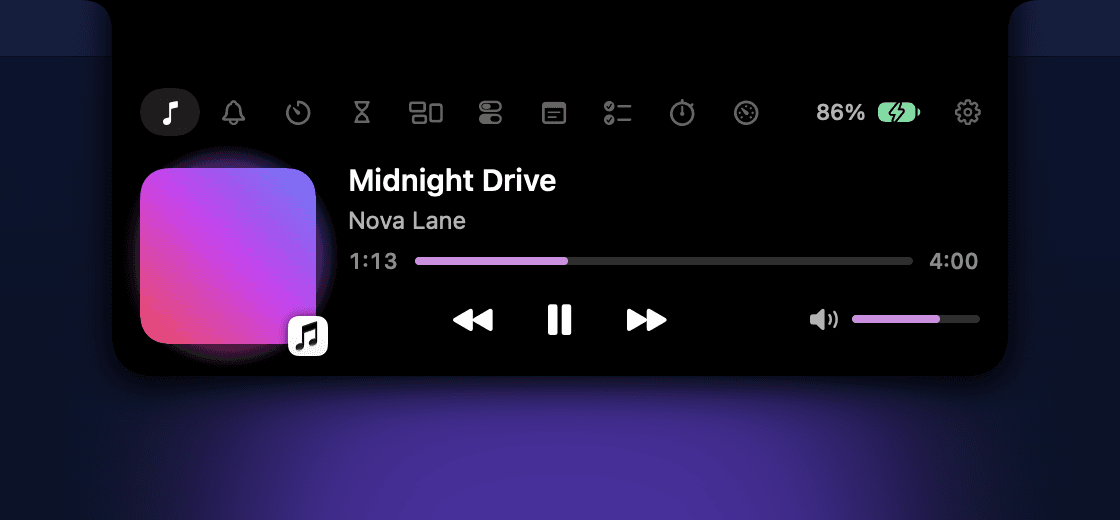
Now Playing
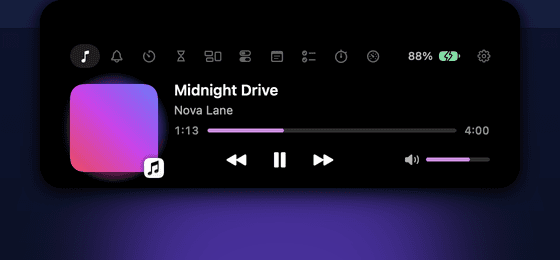
Spotify, Apple Music, YouTube in the browser — the compact island shows artwork and a waveform; the panel adds title, progress, playback controls and an output-volume slider.
A compact island after Apple's 2026 design
Live activities sit at the two ends of a slim pill with nothing under the camera: artwork at one end and a waveform at the other, or a timer ring and its time. A second activity gets its own small capsule beside the pill.
Notifications and alerts from the notch
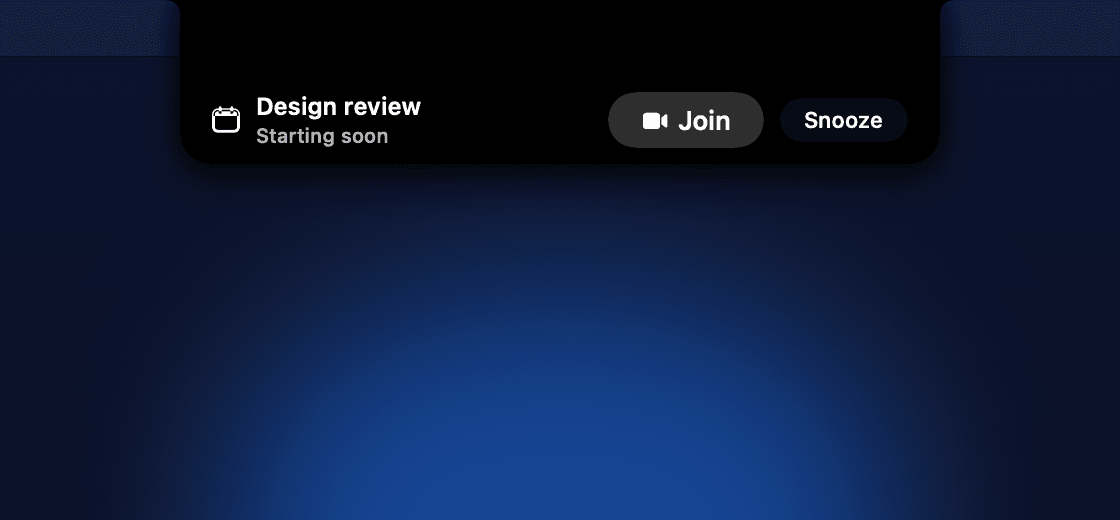
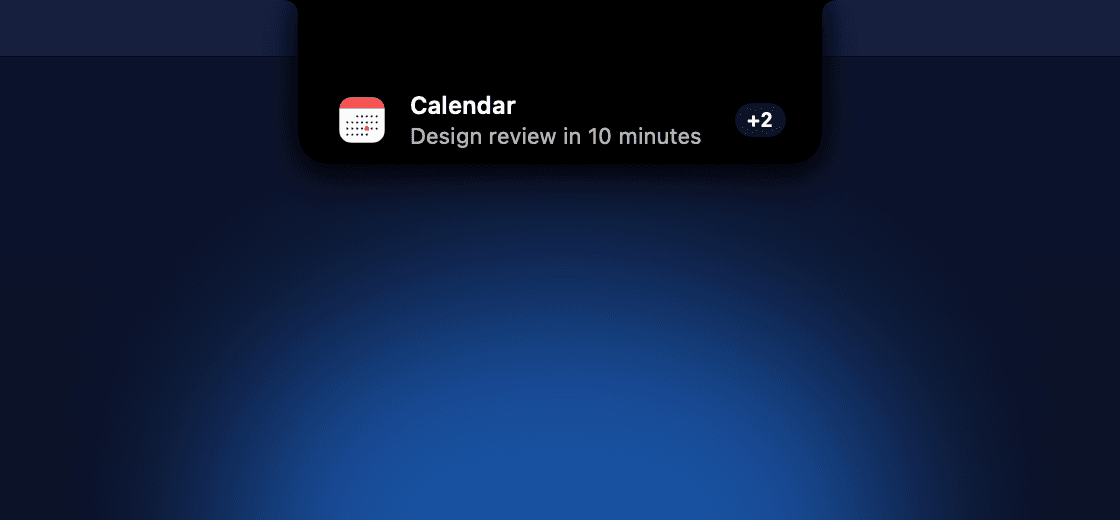
New notifications slide out of the notch with a queue and a history. Meetings drop down with Join and Snooze; track changes, charging, low battery, Caps Lock, Focus and Low Power changes, internet lost or back, and mic or camera in use each get a short alert you can turn off.
Volume and brightness HUD
Volume, brightness and output device show up in the island instead of the default HUD — expanding downward or sideways, your choice. Brightness works without the Accessibility permission.
The same island on every display
On a MacBook the island fuses with the hardware notch, and external displays copy that notch — same shape, size and animation. Set the height to Match menu bar and each display's island fills its own menu bar. A Mac that never had a notch floats a Dynamic Island instead, and you can pick Notch or Dynamic Island for every screen.
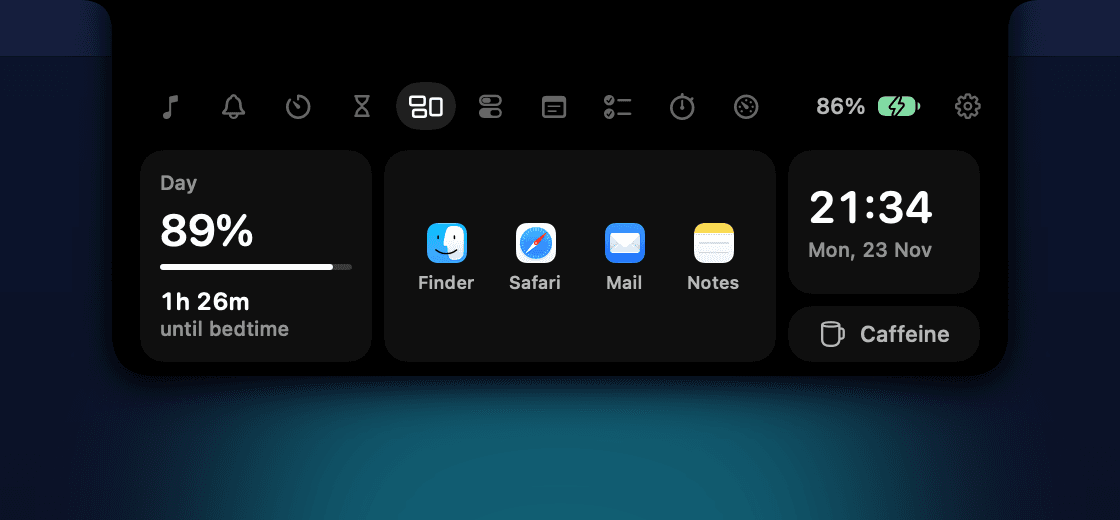
Dashboard and Quick Toggles
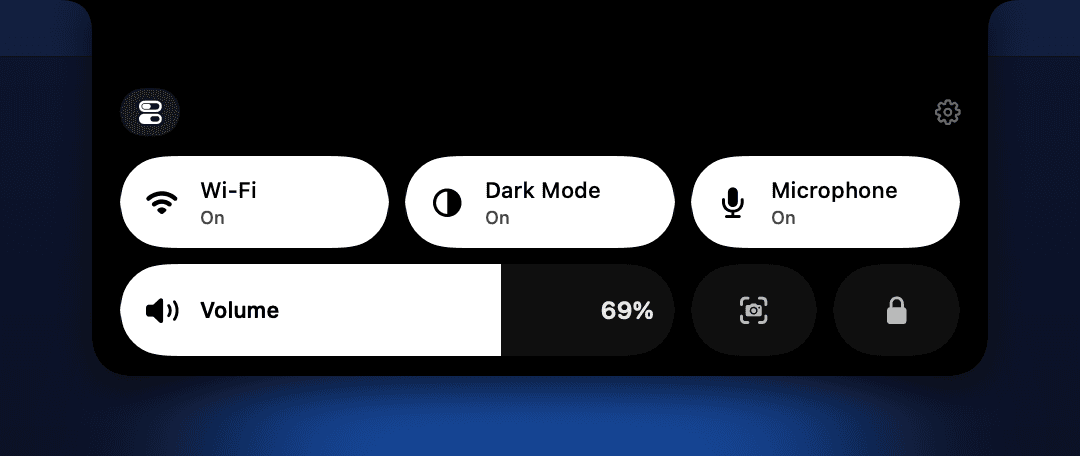
A Dashboard page with day progress and time to bedtime, up to eight pinned apps, the clock and Caffeine to keep the Mac awake. Quick Toggles flips Wi-Fi, Dark Mode and the microphone, sets the volume, takes a screenshot or locks the screen.
Timers, Pomodoro and a stopwatch
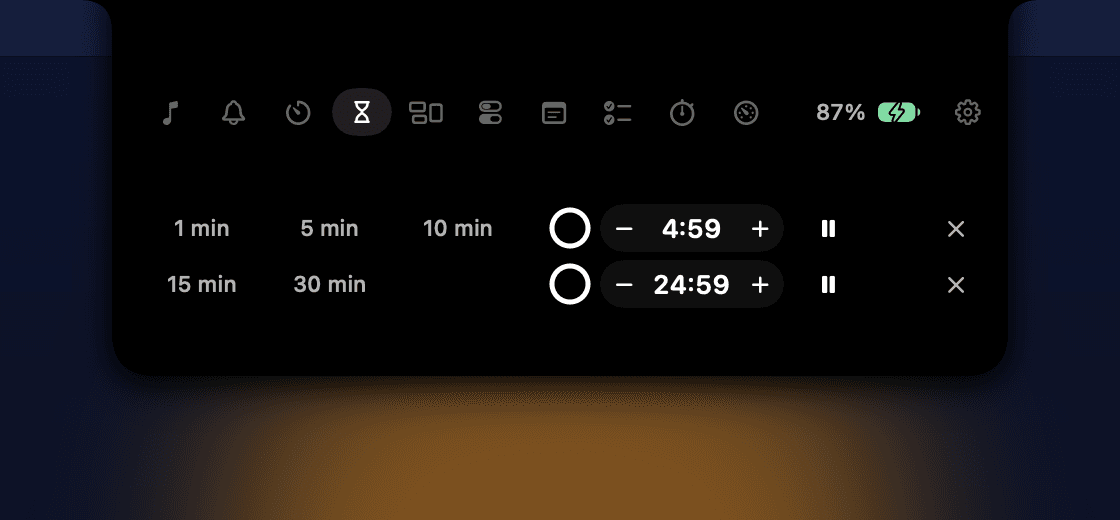
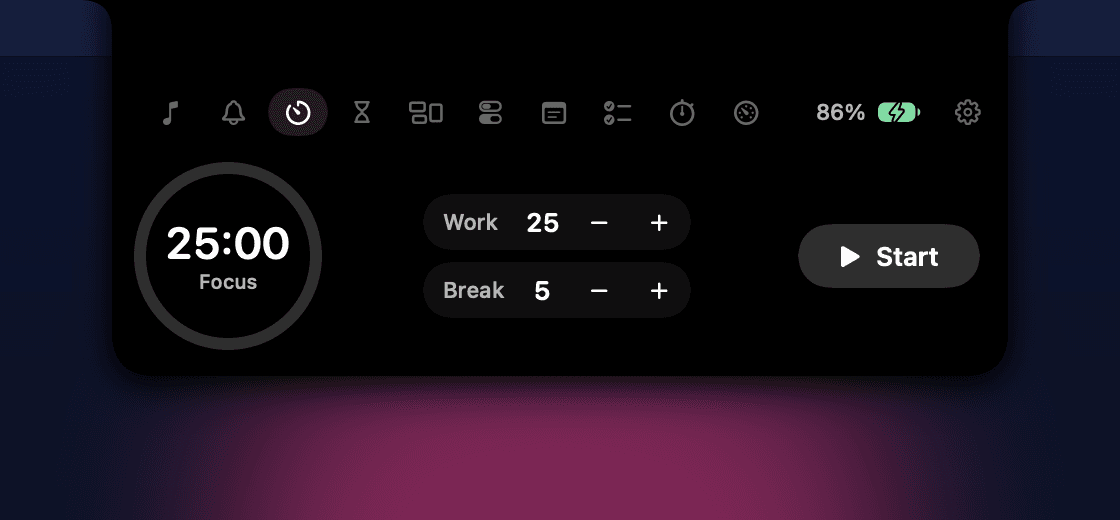
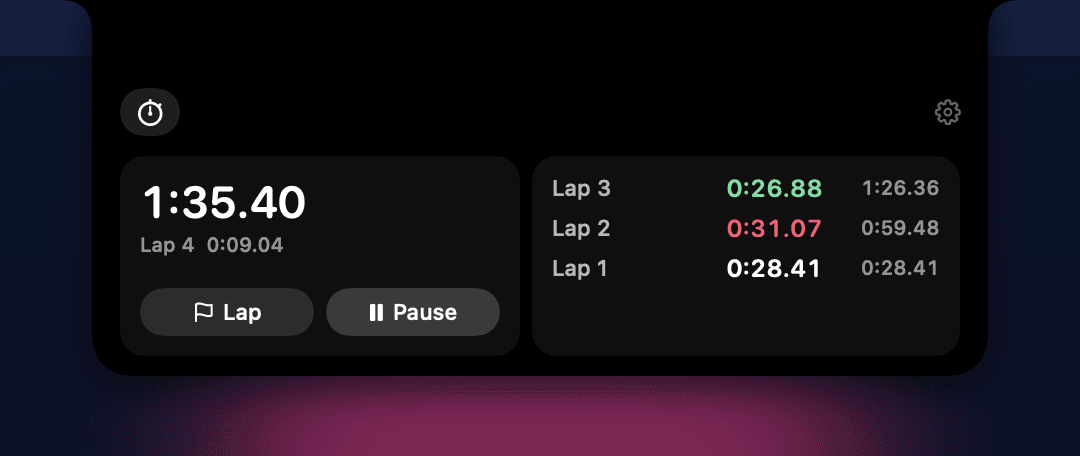
One-tap quick timers from 1 to 30 minutes, up to three at once, a Pomodoro with focus and break lengths, and a stopwatch with laps, the fastest and slowest marked. Each keeps counting in the island when the panel closes.
Today, Notes and To-do
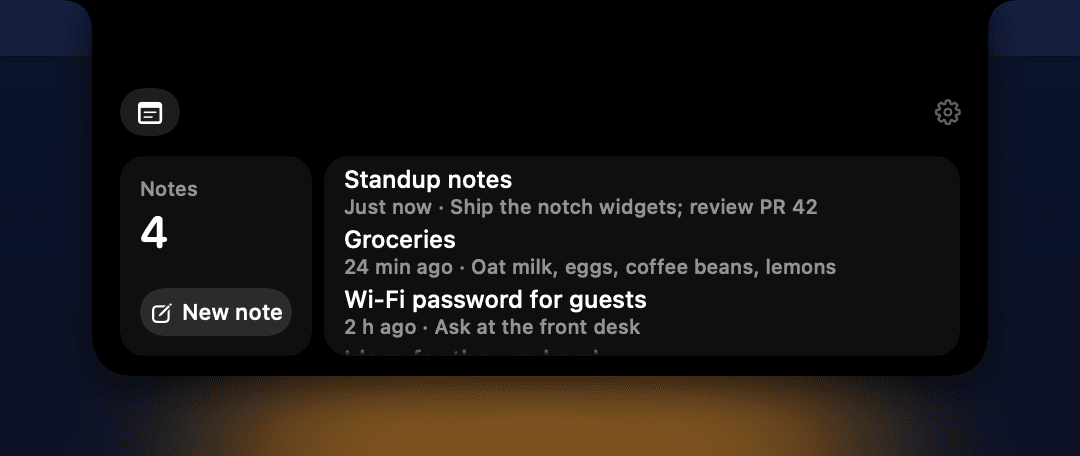
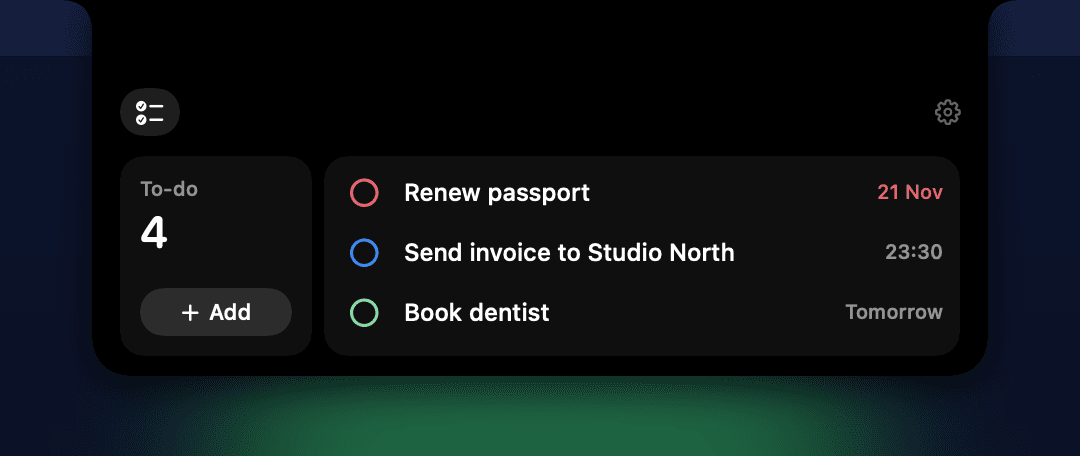
A Today page with a week strip, the lunar date, your next event with a countdown and a quick-add window. Notes keeps quick plain-text notes on your Mac, and To-do shows your Reminders to add and tick off without leaving the notch.
System stats and Clipboard history
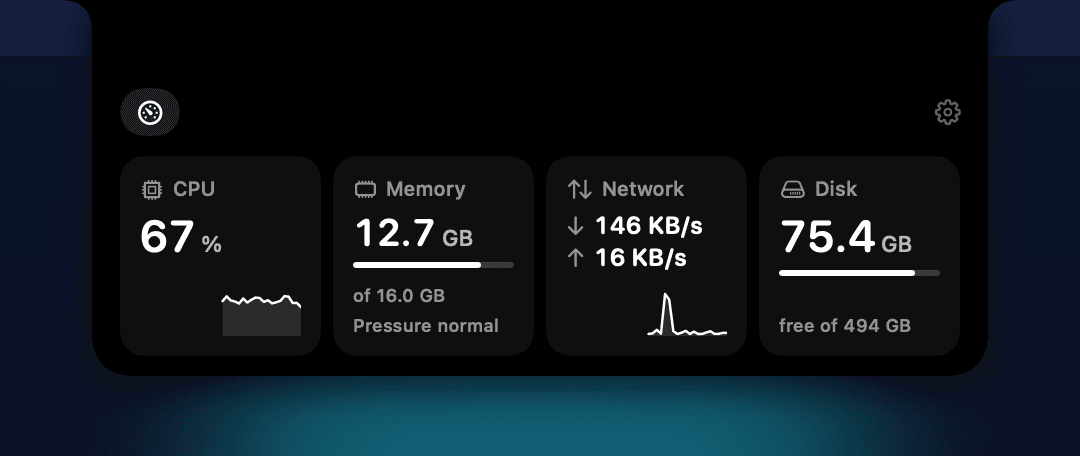
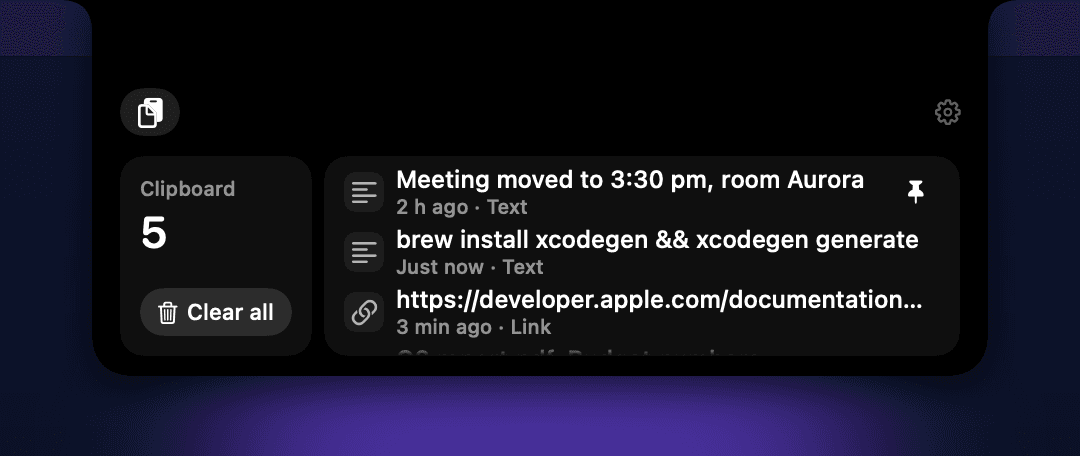
CPU, memory, network and disk at a glance, sampled only while the page is open. Clipboard history keeps text, links, images and files with pins — it's off until you turn it on, and skips items password managers mark as concealed.
File shelf with AirDrop, and AirPods
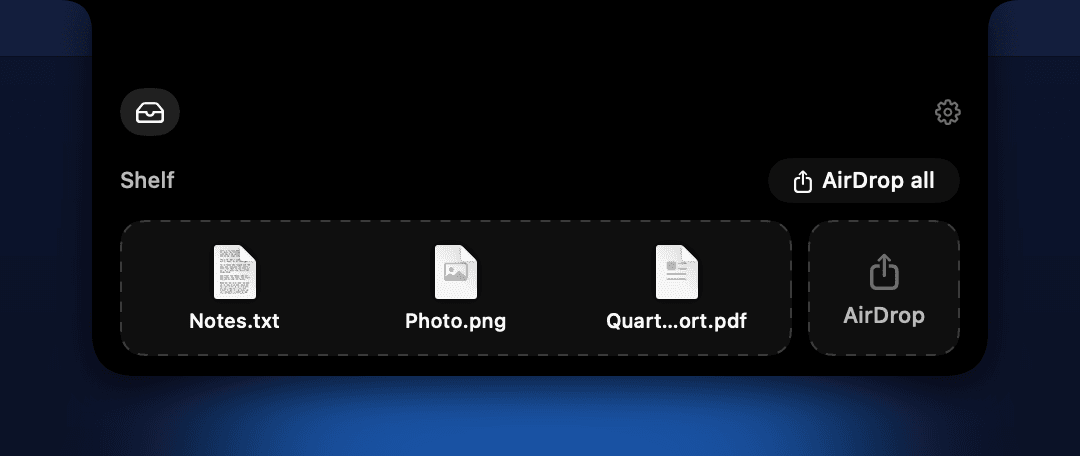
Drop files on the notch to park them on a shelf, drag them back out later, or AirDrop one or all of them. An AirPods page shows the battery of each bud and the case.
Gestures and a hot key
Click to open, or turn on hover. Two-finger swipe down opens, swipe up closes, left and right skip tracks or turn pages; or open the panel with a global shortcut. The island hides itself under full-screen apps and can stay out of screenshots.
Minimal monochrome design
A pure-black island that reads as one piece with the hardware notch, white text in three opacity steps, and colour only where it carries meaning: artwork, app icons and semantic states. Every page can be switched off. In English and Vietnamese.
Gallery


MacNotch
$5.99 $2.99 one-time · macOS 15+ · Any Mac, notch optional
 Notch & Dynamic Island
Notch vs Menu Bar Mac: Where Should Your Status Live?
Compare notch vs menu bar mac: what macOS does natively, when the notch is better, and how MacNotch adds quick, glanceable status.
7 min read- Notch & Dynamic Island
Caps Lock indicator on Mac: how to see when Caps Lock is on
No Caps Lock indicator on your Mac or keyboard? Where macOS shows Caps Lock, how to change what the key does, and how to get an on-screen alert.
4 min read - Notch & Dynamic Island
Low battery notification on Mac: how macOS warns you, and how to get earlier alerts
When the low battery notification on Mac appears, why it is easy to miss, and how to see battery level, charging and Low Power Mode at a glance.
4 min read - Notch & Dynamic Island
How to use a Pomodoro timer on Mac, with built-in tools or in the notch
How to run a Pomodoro timer on Mac with the Clock app or Siri, how to keep the countdown in view, and how to run sessions from the MacBook notch.
4 min read - Notch & Dynamic Island
Best Apps for External Monitor Mac: Make Any Display Feel Built In
The best apps for external monitor mac: native display controls, window managers, and MacNotch for music, alerts and timers on any screen.
7 min read - Notch & Dynamic Island
best one time purchase mac apps for a clean status setup
Looking for the best one time purchase mac apps? See what macOS already does, where a notch app can help, and who MacNotch suits before you pay once.
7 min read