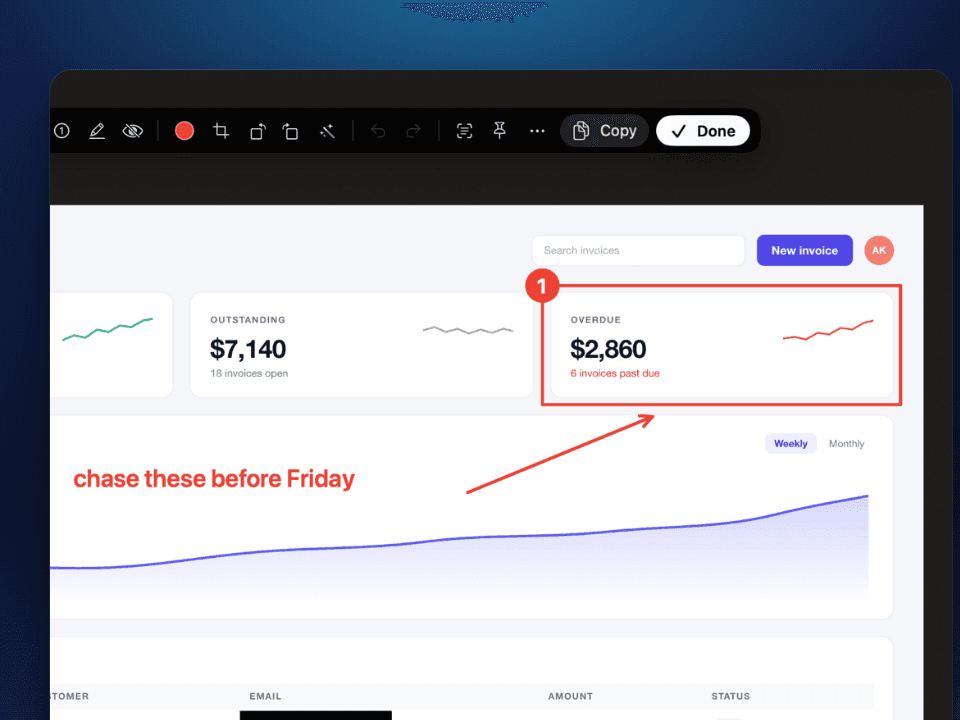
The native screenshot app and screen recorder for Mac. Press ⌘⇧4, click a window or drag an area, annotate it, drop it on a gradient, paste it anywhere. Recordings open in a Screen Studio-style editor with a camera that zooms wherever you click. 100% on-device.
macOS 14+ · Apple Silicon
16 screenshots & screen recording guides →
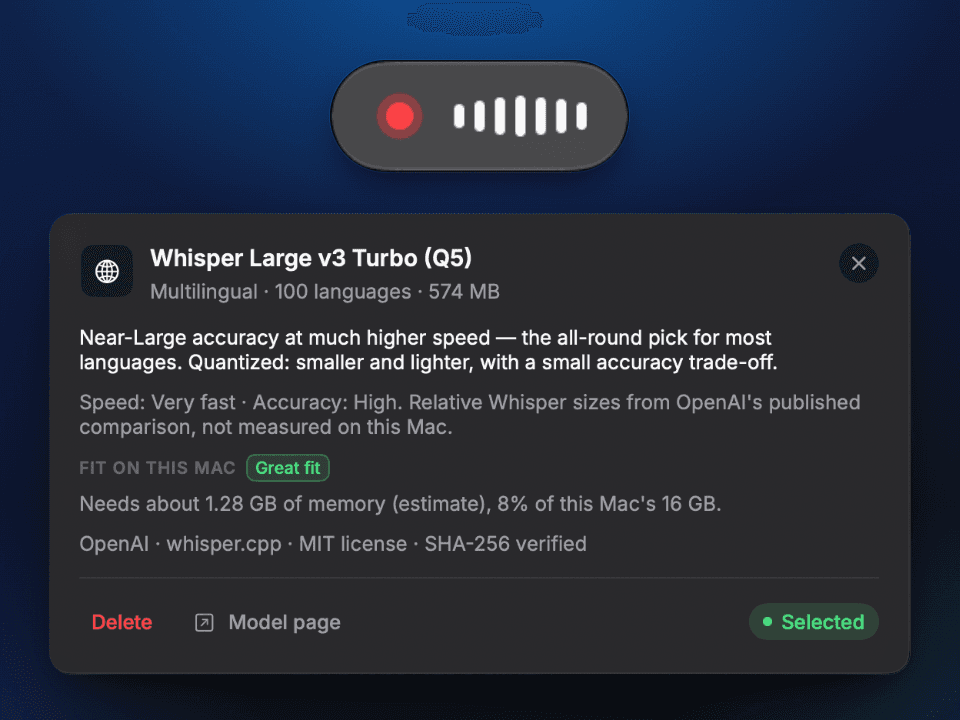
Voice dictation for macOS, powered by Whisper running entirely on your Mac. Hold your push-to-talk key in Slack, Notes, a terminal or your IDE, say what you want to write, and the text lands at your cursor — it shines when you dictate prompts into Claude Code, Cursor or ChatGPT instead of typing them. A built-in Models page lists 49 Whisper models, shows which ones fit your Mac, and downloads the one you pick.
macOS 14+ · Apple Silicon
17 voice dictation guides →
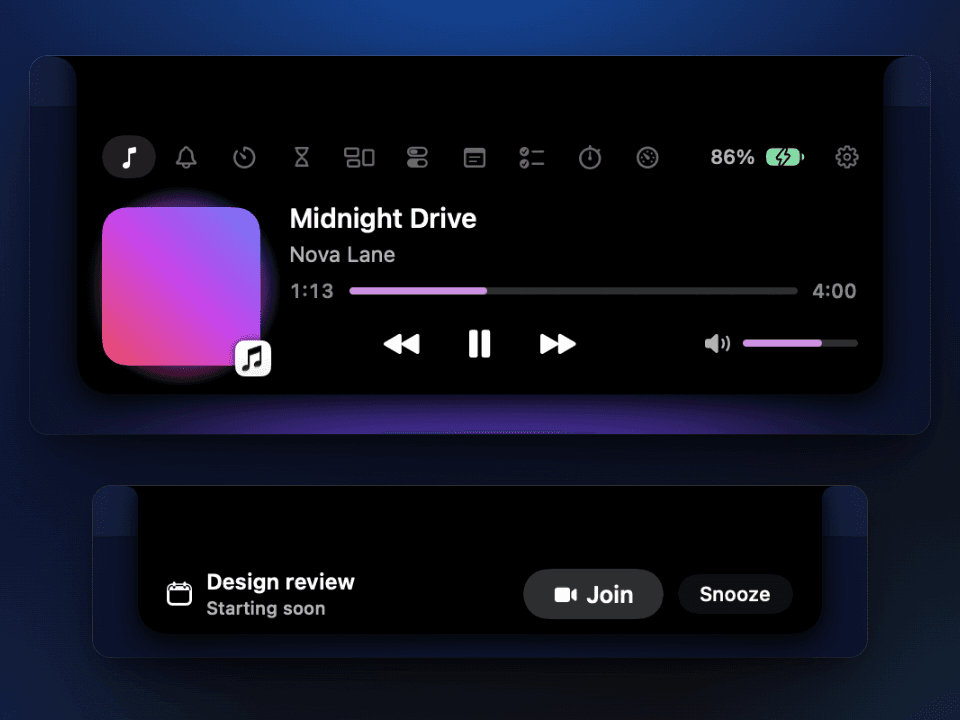
The notch stops being dead space. MacNotch turns it into a living island: Now Playing, notifications, a volume and brightness HUD, meeting alerts and mic and camera indicators, then a panel of pages — Dashboard, Quick Toggles, timers, Pomodoro and a stopwatch, System stats, Notes, To-do, Clipboard history and a file shelf with AirDrop. Click the notch to open it, without stealing focus from the app you're using. External displays copy the MacBook notch, and a Mac without one gets a Dynamic Island at the top of the screen.
macOS 15+ · Any Mac, notch optional
19 notch & dynamic island guides →
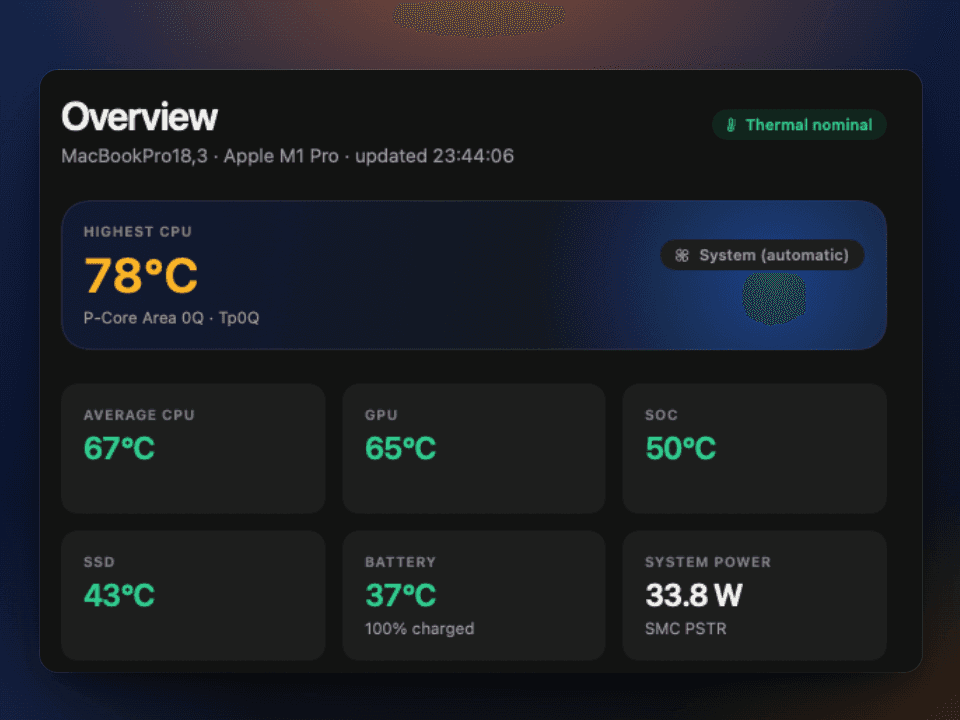
A native menu bar temperature and fan monitor for Mac. MacTemp reads the sensors your Mac actually reports — around 250 on an M1 Pro, from CPU and GPU to SSD and battery — shows every fan’s speed, and keeps history, alerts and health checks. Want more cooling than macOS picks? Optional fan control goes through a small helper you approve, clamped to each fan’s safe range. No account, nothing uploaded.
macOS 14+ · Apple Silicon
16 temperature & fans guides →
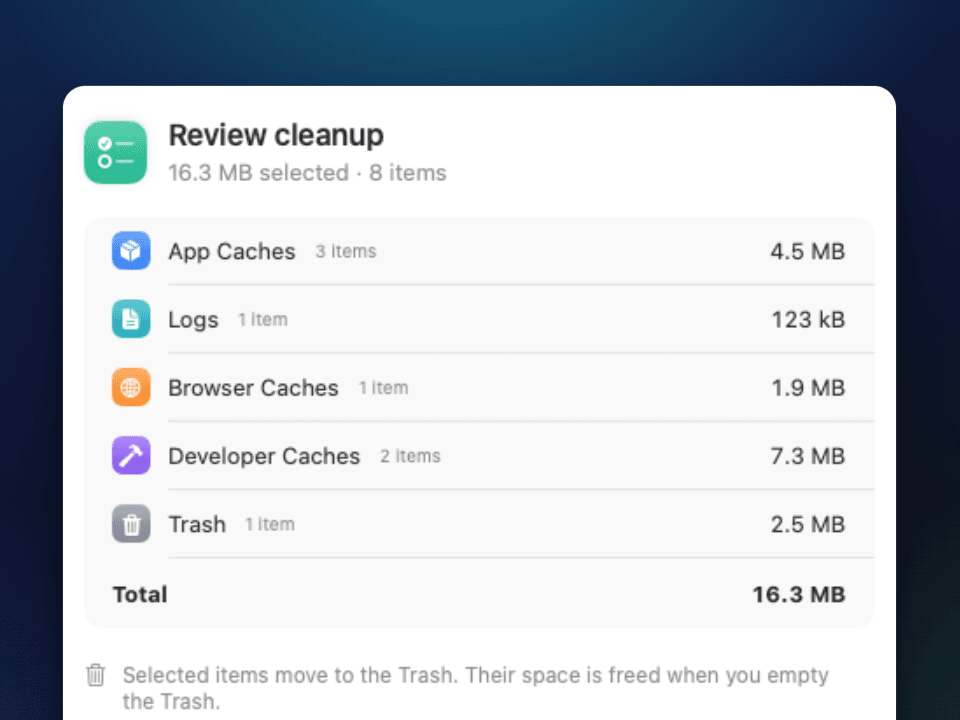
A Mac cleaner for people who don’t trust Mac cleaners. MacCleaner finds app, browser and developer caches, logs, app leftovers, large files and duplicates, shows you what it found with sizes, and waits. Nothing is removed until you’ve reviewed it, and then it goes to the Trash. Nothing runs in the background, and it never asks for your password.
macOS 14+ · Apple Silicon + Intel
3 cleanup & disk space guides →
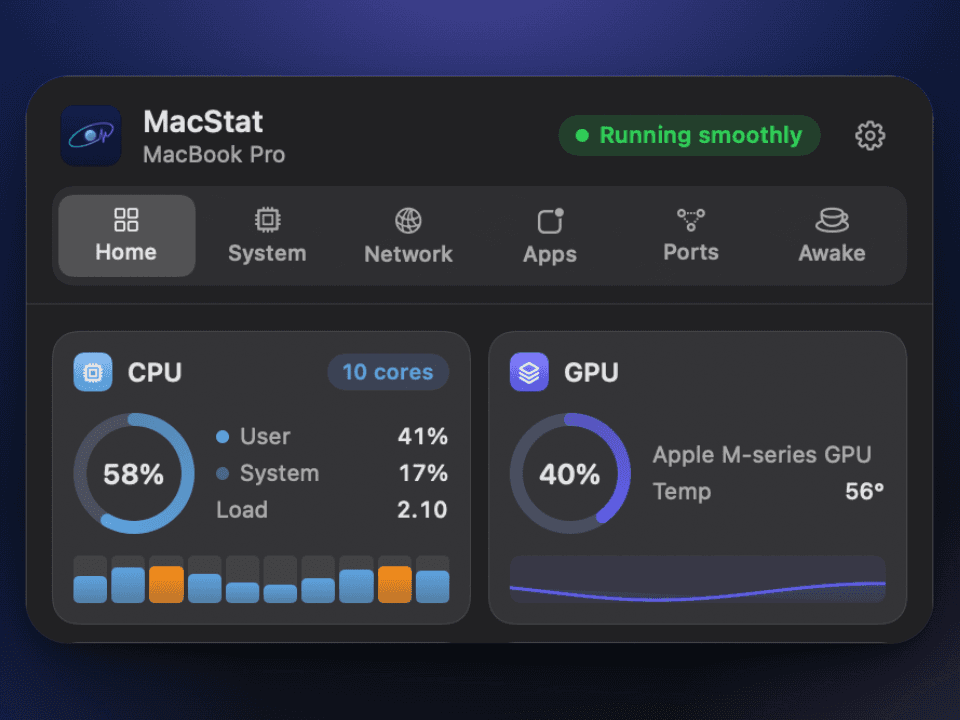
A native menu bar system monitor for Apple Silicon Macs. MacStat shows CPU and GPU load, memory pressure, disk, network, battery and the temperature sensors your Mac reports, without opening Activity Monitor. Click for the details and up to 30 days of history, see which apps are busy and which ones are listening on a port, and keep your Mac awake for as long as you need. No account, no analytics.
macOS 14+ · Apple Silicon
6 system monitoring guides →